
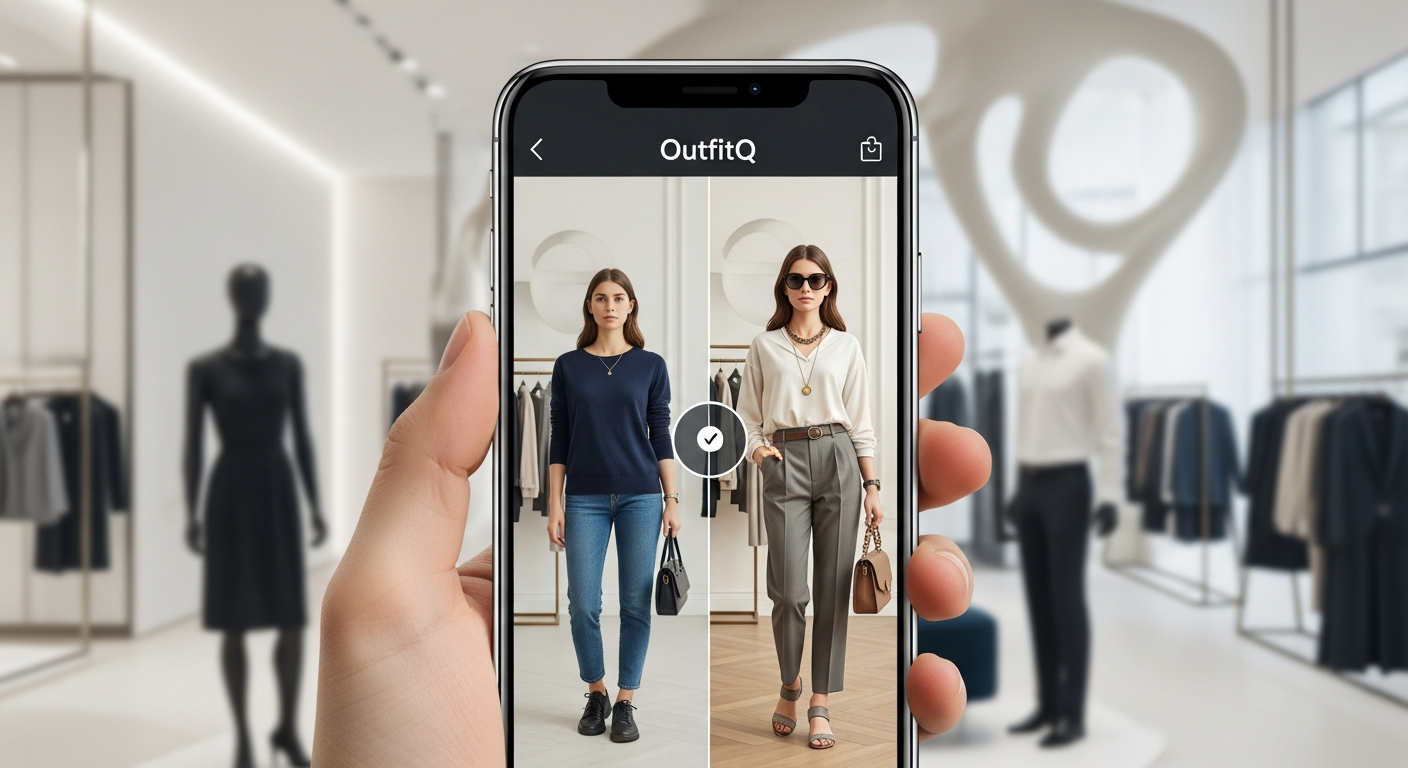
Generate Outfits with AI: OutfitQ App Guide
Struggling to decide what to wear each day? You’re not alone! In a world overflowing with clothing options, finding the perfect outfit can be surprisingly time-consuming. Fortunately, technology offers a solution: with outfitq.ai, you can **generate outfits with AI using the OutfitQ app** and effortlessly discover stylish looks tailored to your preferences – this article will explore how this innovative app works, its key features, and how it can revolutionize your personal style, saving you time and boosting your confidence.
Step-by-Step Guide: How to Generate Outfits with AI Using the OutfitQ App
Want to effortlessly create stylish outfits tailored to your preferences? This guide will walk you through the simple process of using the OutfitQ app to generate personalized looks in just a few steps. OutfitQ utilizes the power of AI to combine items you love, or discover new pieces, and visualize them on a model resembling your body type. Say goodbye to wardrobe dilemmas and hello to a streamlined shopping experience – visualize and customize outfits before you even buy!
Getting Started: Setting Up Your OutfitQ Experience
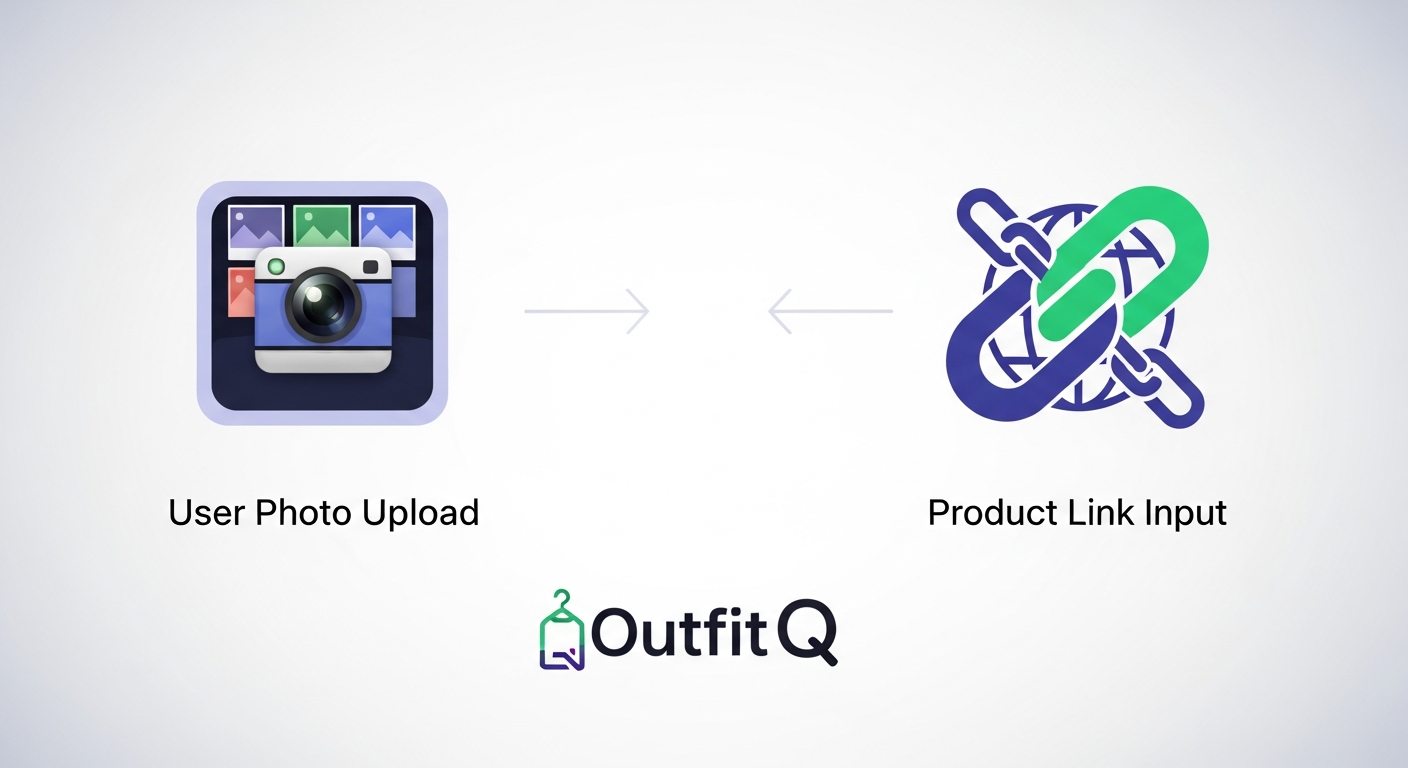
Welcome to OutfitQ! Getting started is quick and easy, allowing you to virtually try on clothes from the comfort of your home. First, ensure you have a clear, well-lit photo of yourself – a simple headshot works best. You’ll also need either a link to the clothing item you'd like to try on or a clear photo of it – this helps our technology accurately map the garment onto your image.
Step 1: Uploading Your Image for the Virtual Try-On
The very first step in experiencing our virtual try-on technology is uploading a photo of yourself. This image serves as the foundation for our AI to accurately visualize clothing on your unique body shape. For the best results, we recommend using a clear, full-body or torso image taken in well-lit conditions, as this enables the most hyper-realistic rendering and detailed custom fit analysis. This seemingly simple step is what unlocks the power of personalized virtual styling!
Step 2: Generating the Outfit and Seeing the Result
Inputting the Outfit Components
- Paste the product link or upload the item’s photo.
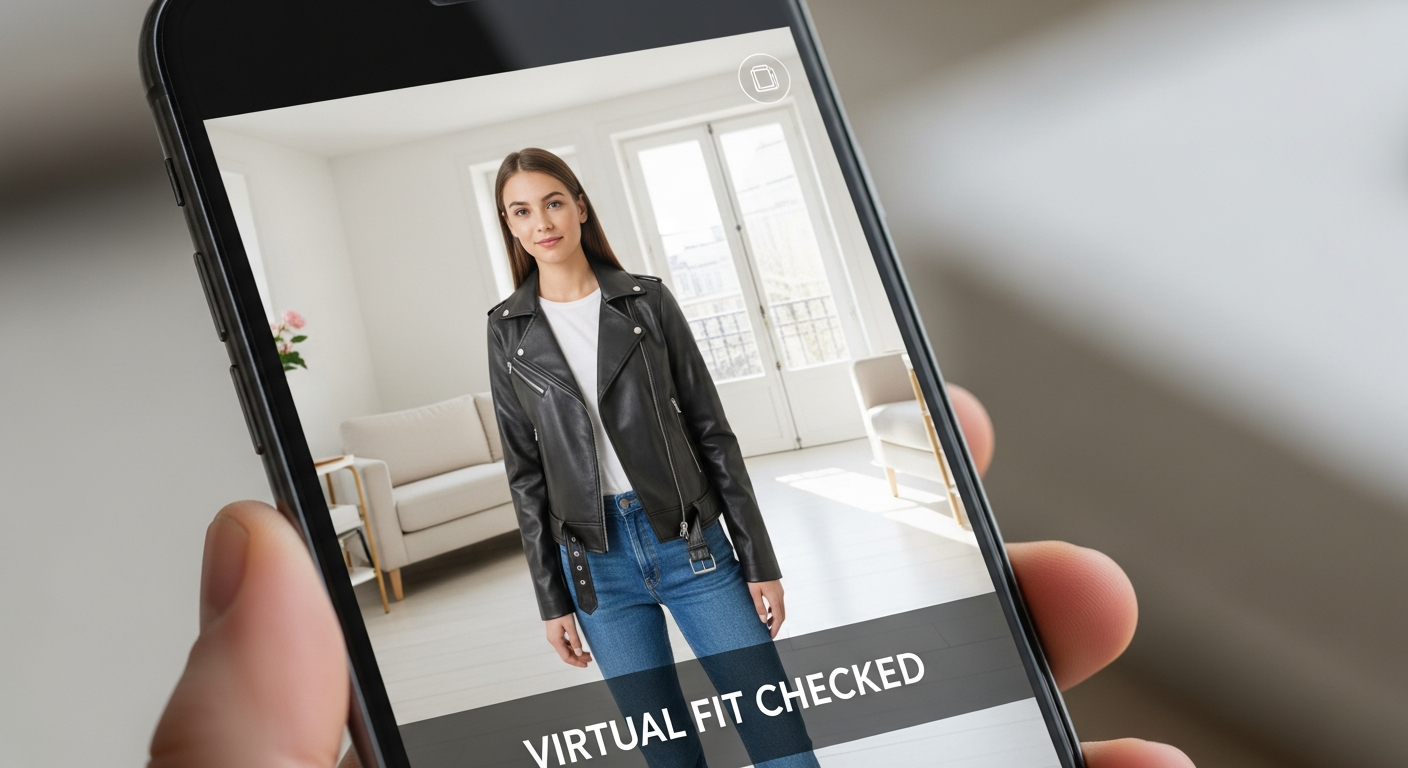
- Watch OutfitQ’s AI instantly apply the garment to your photo.
- Optionally add complementary accessories like shoes or bags for a complete look.
- Review the generated outfit and make any desired adjustments.
Step 3: Styling and Saving Your Confident Purchase
Finalizing the Perfect Look
- Check the realistic drape and fit before moving to purchase – ensuring Fit Confidence.
- Save the complete look to your OutfitQ wardrobe for future reference – utilizing the Saving Feature.
- Click the embedded product link to proceed with a high-confidence purchase – using the Direct Link.
![Generate an image that summarizes the entire process flow clearly: [User Photo] + [Product Link] $\rightarrow$ [OutfitQ App Icon] $\rightarrow$ [Realistic Try-On Output (Final Outfit)]. Use clean, infographic-style arrows.](https://seo-blogs-images.blr1.digitaloceanspaces.com/images/6914bf9ca5c832188aae654b-1762967464485.png)
Ready to Try It Yourself?
OutfitQ makes generating stylish outfits with AI surprisingly simple – just upload a few photos or describe your preferences and let the app do the rest. It’s a powerful tool that takes the guesswork out of fashion, allowing you to virtually “try on” outfits before you buy. This process translates to shopping with boosted confidence, knowing you’ll love what you purchase, and dramatically minimized returns. Download or visit the OutfitQ app/platform today to start generating and visualizing outfits!